

"We're a small business, nobody's going to waste time hacking us." It's the sentence you hear most — and it's precisely what makes SMEs the easiest targets. The good news: protecting yourself requires neither expertise nor a big budget. Here are the essentials, without jargon.
The attack isn't personal — it's automated
A burglar doesn't pick the biggest house on the street: they pick the one with the door left open. Cyberattacks work the same way, only worse. It isn't humans targeting you one by one: it's automated programs scanning the internet around the clock, looking for a badly closed door.
You're not attacked for what you're worth. You're found because you're vulnerable. The program doesn't even know who you are.
The real risks for an SME
You don't need a genius hacker. Most incidents come from very ordinary things:
Phishing
An email imitating your bank or a supplier to steal your credentials.
Ransomware
Your files are encrypted and held hostage against a ransom.
Weak passwords
The same password everywhere: one leak and everything falls.
Customer data leak
Names, emails, invoices exposed → nFADP/GDPR and lost trust.
Hacked website
An outdated site becomes a way in — or infects your visitors.
Human error
One click too many, a file to the wrong recipient. The most common of all.
What it really costs
An attack almost never costs what people think. Beyond the money, it costs:
- Downtime — days unable to work or reach your data.
- Reputation — a client whose data leaks doesn't come back.
- Penalties — poor data handling can get expensive (see the nFADP/GDPR question below).
- Time — yours, spent repairing instead of doing your job.
The basic protections (that cover the essentials)
Here's the genuinely good news: the vast majority of attacks are blocked by simple habits. No expertise needed, no significant budget.
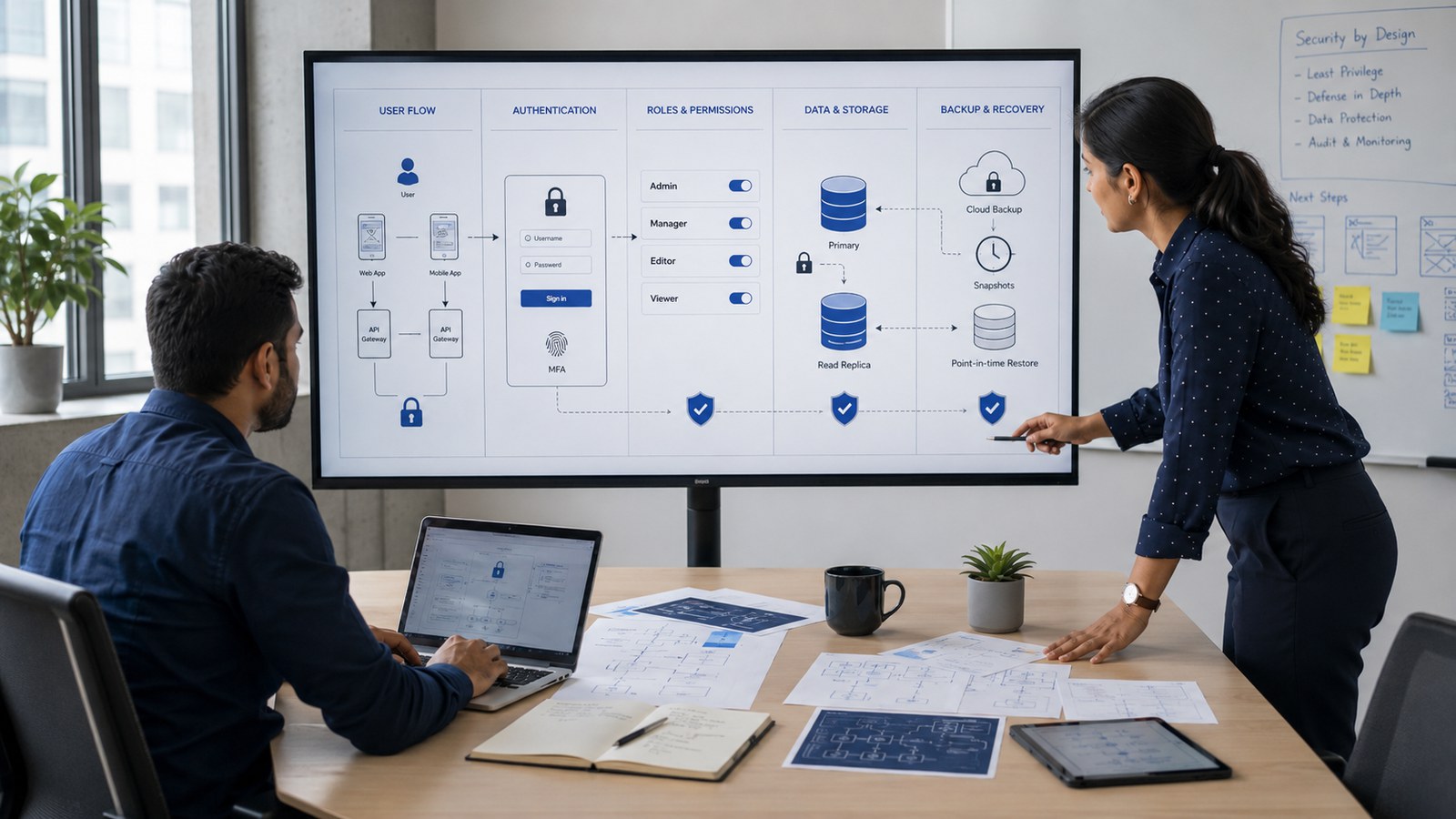
Security is planned from the start
Security isn't a layer you add at the end. Like the foundations of a building, it's designed from day one. A site or software secured "after the fact" is an armoured door on a house with no foundations — reassuring, but it won't hold.
That's exactly the subject we develop about the time it takes to build an application or an ERP : what costs and what protects is the invisible part, thought through from the beginning.
What if your cousin built the site?
Let's be honest: many SME websites were built by "someone who knows a bit about it" — a friend, a nephew, the cousin who's good with computers. And often they did a genuine favour. The problem isn't them: it's what comes next.
Who updates the site? Who handles a vulnerability on a Sunday evening? Who answers when the site goes down in peak season? A business needs reliability, not a patch-up between two favours. It's not a question of talent — it's a question of responsibility and time. Theirs, and above all yours.
Rebuilding your online presence on a professional, secure footing means no longer depending on one person's availability — and getting your time back for what matters: your trade.
Our real work: security by default
At Renova Softwork we don't sell fear, and we're not an audit or penetration-testing firm. Our job is to build websites and software that are secure as standard : HTTPS, nFADP/GDPR compliance, backups, clean code, updates. Security isn't an option billed on top — it's the foundation of everything we deliver.
Whether it's for a professional website or custom software, we start from the principle that your data and your clients' data deserve solid foundations — from day one.
Unsure about the security of your site or your data? The first conversation is there to take stock of your situation, plainly — no jargon, no commitment.
Take stock with us →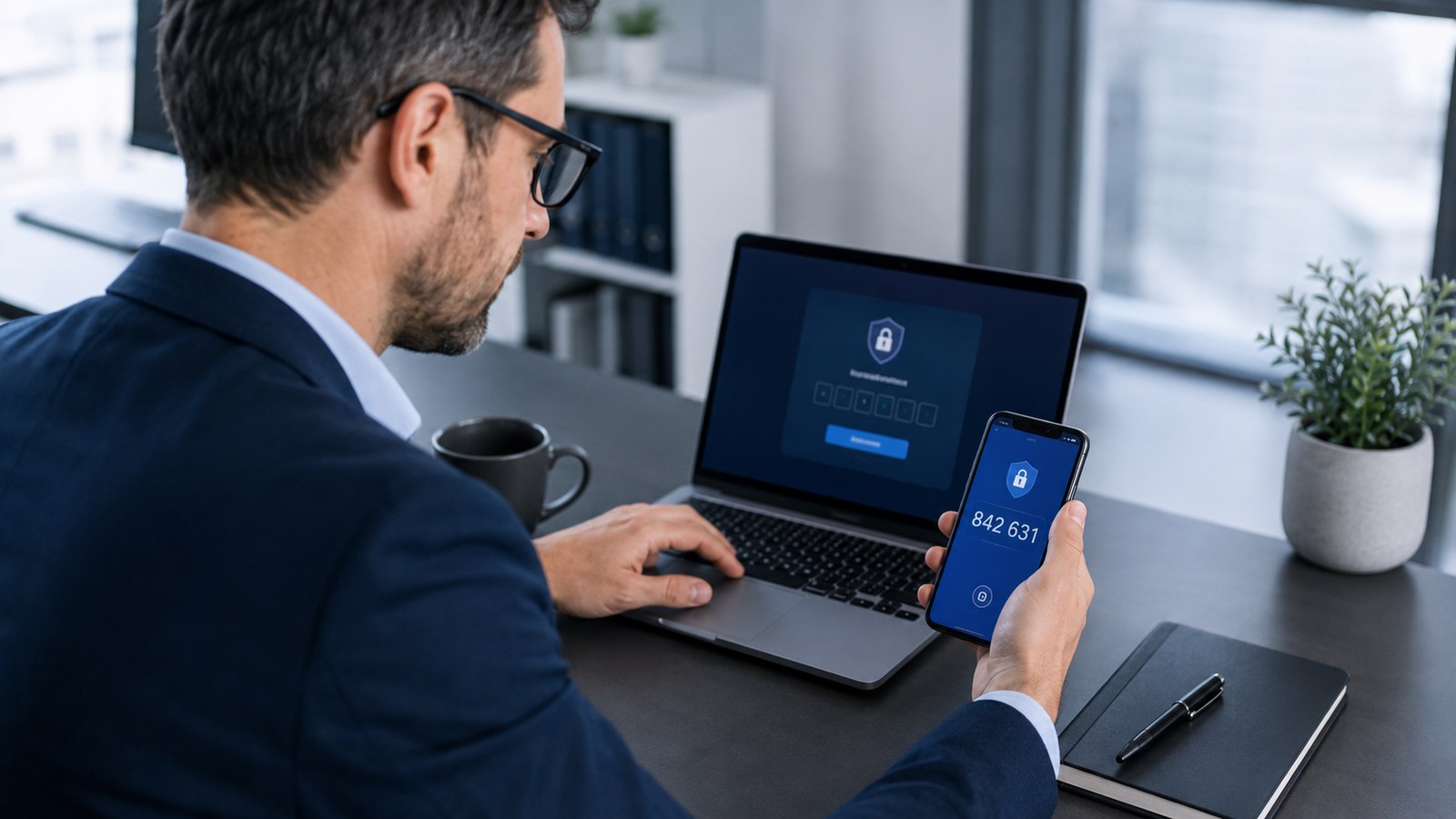
Frequently asked questions
Is my small business really a target?
Yes — and often more than a large one. Attacks are automated: programs look for weaknesses everywhere, regardless of size. An SME is even more exposed, because it's usually less protected than a large group with a dedicated team. "Small" doesn't mean "invisible".
What does the nFADP / GDPR change for me?
As soon as you handle customer data (names, emails, invoices, contact details), you're responsible for protecting it — that's Swiss law (nFADP) and European law (GDPR). And let's be direct: poor handling (a leak, no basic measures) can lead to fines reaching, in serious cases, several hundred thousand francs (nFADP) or several million euros (GDPR). Frankly, those aren't amounts anyone wants to risk over avoidable negligence. The good news: covering the essentials (clear consent, well-protected data, a proper privacy page) is enough in the vast majority of cases.
What is two-factor authentication (2FA), and why does it matter?
It's a second code, on top of your password (usually on your phone). Even if your password leaks, the attacker is stuck without that code. It's free, takes five minutes to switch on, and it's the best protection for the effort involved. If you were only going to do one thing, this would be it.
What should I do in case of a hack or ransomware?
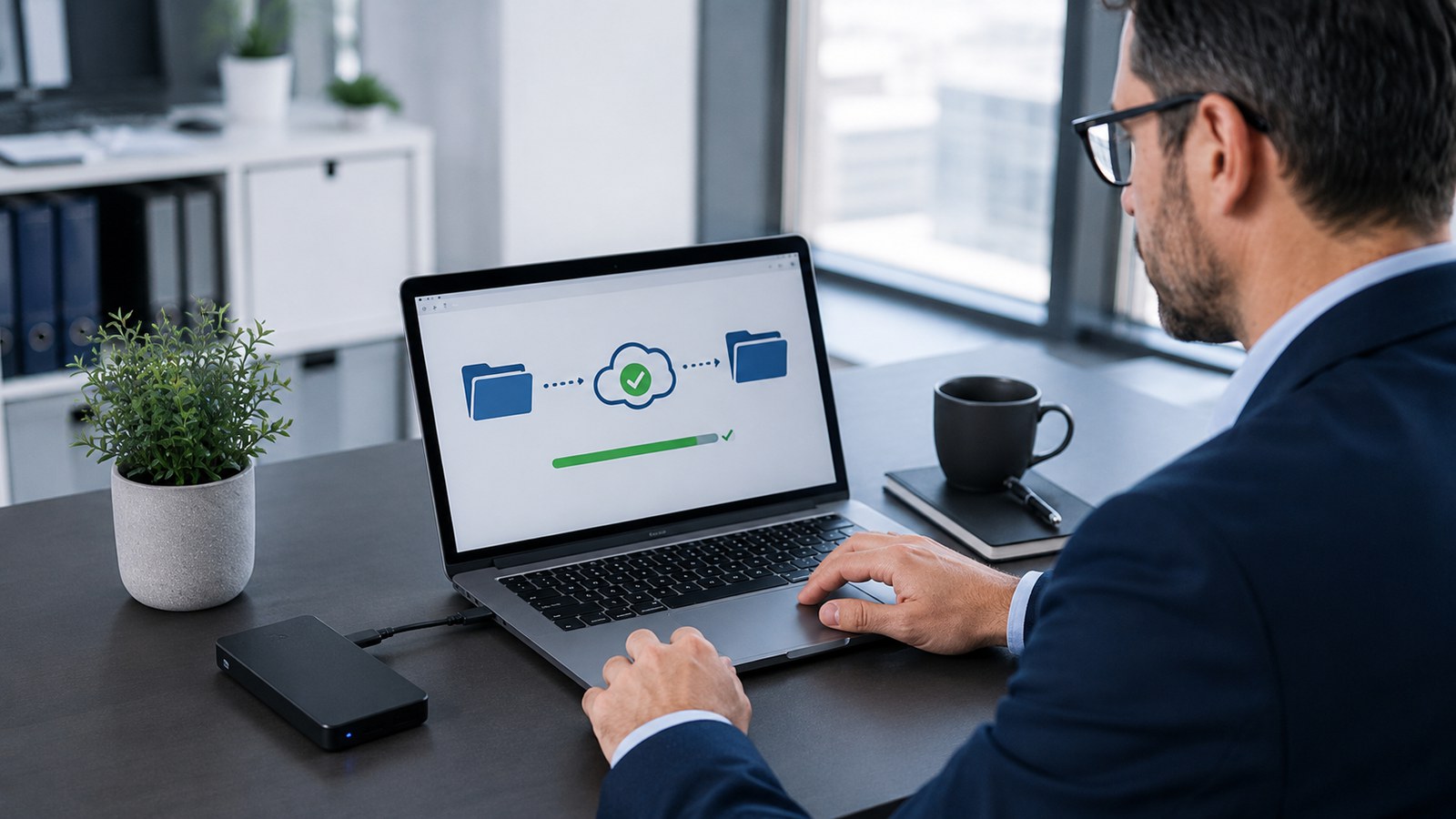
Don't rush into paying the ransom: it guarantees nothing and marks you as an easy target. Disconnect the device from the network, inform the people affected, restore from a recent backup, change the passwords, and document what happened. The decisive point: an up-to-date backup turns a catastrophe into a merely bad day.
How much does decent basic security cost?
The essentials — 2FA, a password manager, backups, updates, HTTPS — are mostly a matter of method, not of a big budget. Most of these measures are free or cheap. The real cost is doing nothing: repairing is always more expensive than preventing.